
Safety Audit Software for Manufacturing
Schedule, complete and close out manufacturing audits in one connected EHS system. Evalu-8 EHS helps your teams inspect machinery, production areas, workplace transport, hazardous substances, maintenance activities, and contractor work while keeping every finding, photograph, and corrective action connected.
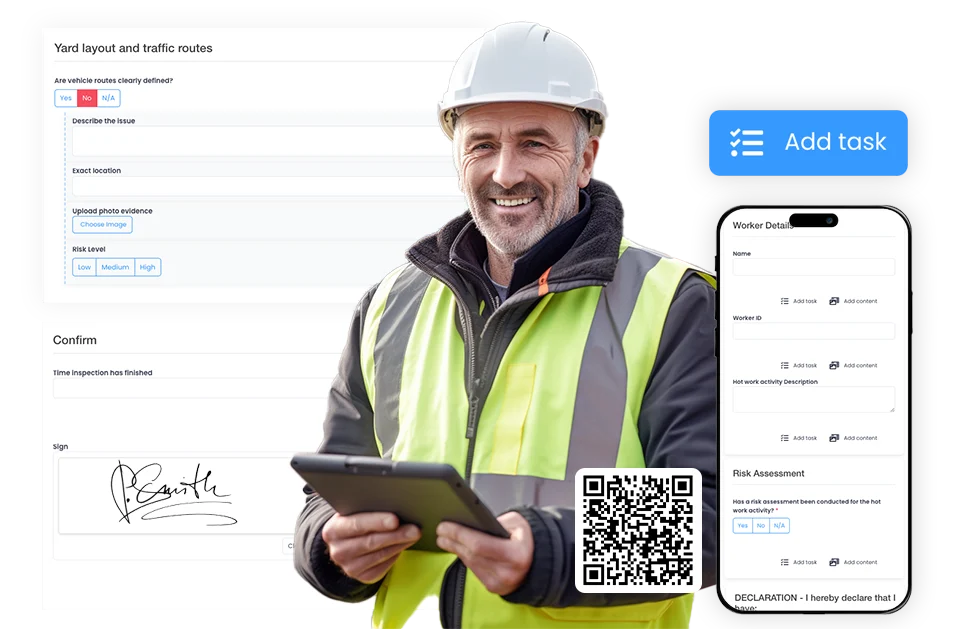
INSPECT REAL PRODUCTION RISKS
Build audits and inspections around the machinery, tasks and conditions found on the factory floor. Check risks such as guarding, manual handling, vehicle movements, chemical use, housekeeping, and maintenance work.
Set a consistent standard
Create reusable templates and approved question libraries for different production lines, activities, and sites. Apply the same inspection standard while still allowing questions to reflect local equipment and risks.
Close findings properly
Turn failed checks into tracked corrective actions. Assign an owner, set a deadline, attach supporting evidence, and record how the completed action was reviewed and verified.
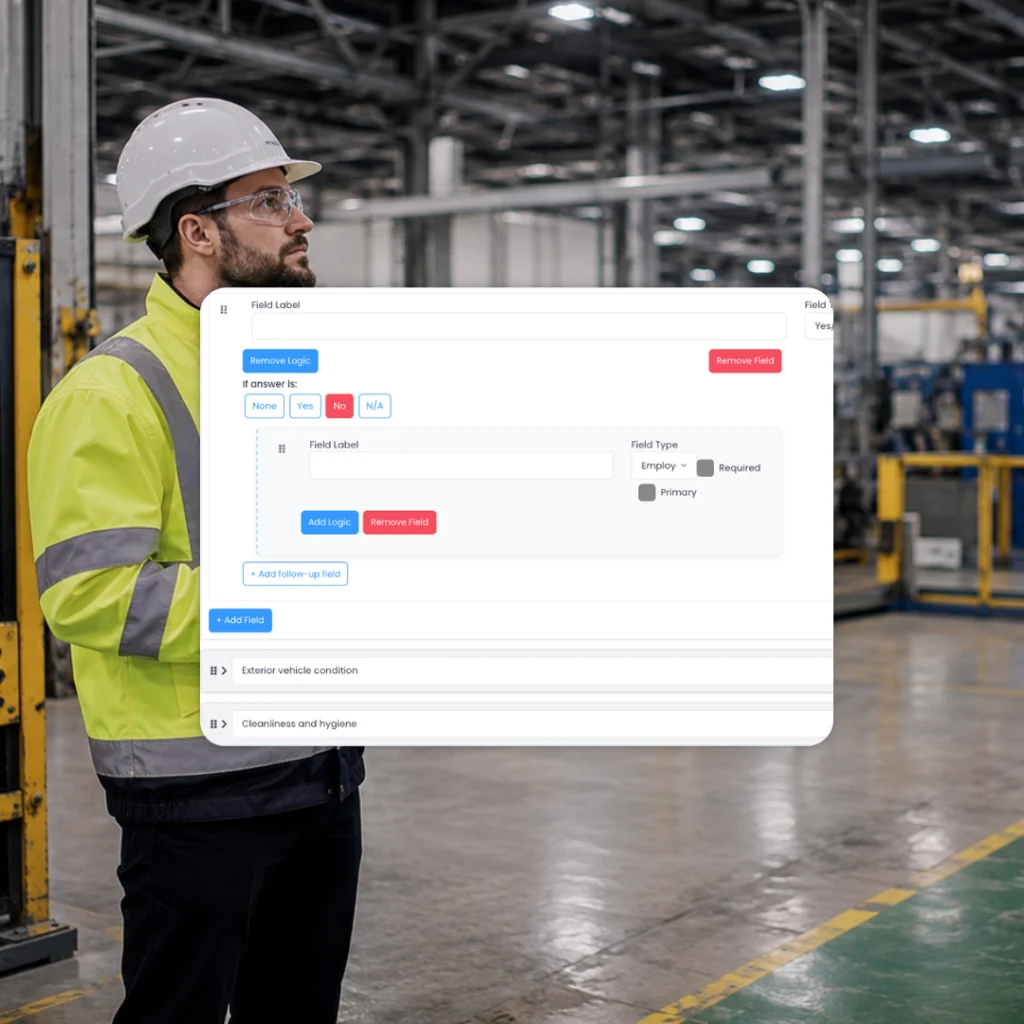
Built for manufacturing operations
Create audits that reflect what is happening across your production environment
Use Evalu-8 EHS to create and manage risk assessments for the risks that appear across factory floors, engineering teams, dispatch areas, and maintenance activity.
- Machinery and production safety checks
- Housekeeping, COSHH and LEV audits
- Forklift and traffic-route inspections
- Maintenance, isolation and fire safety checks
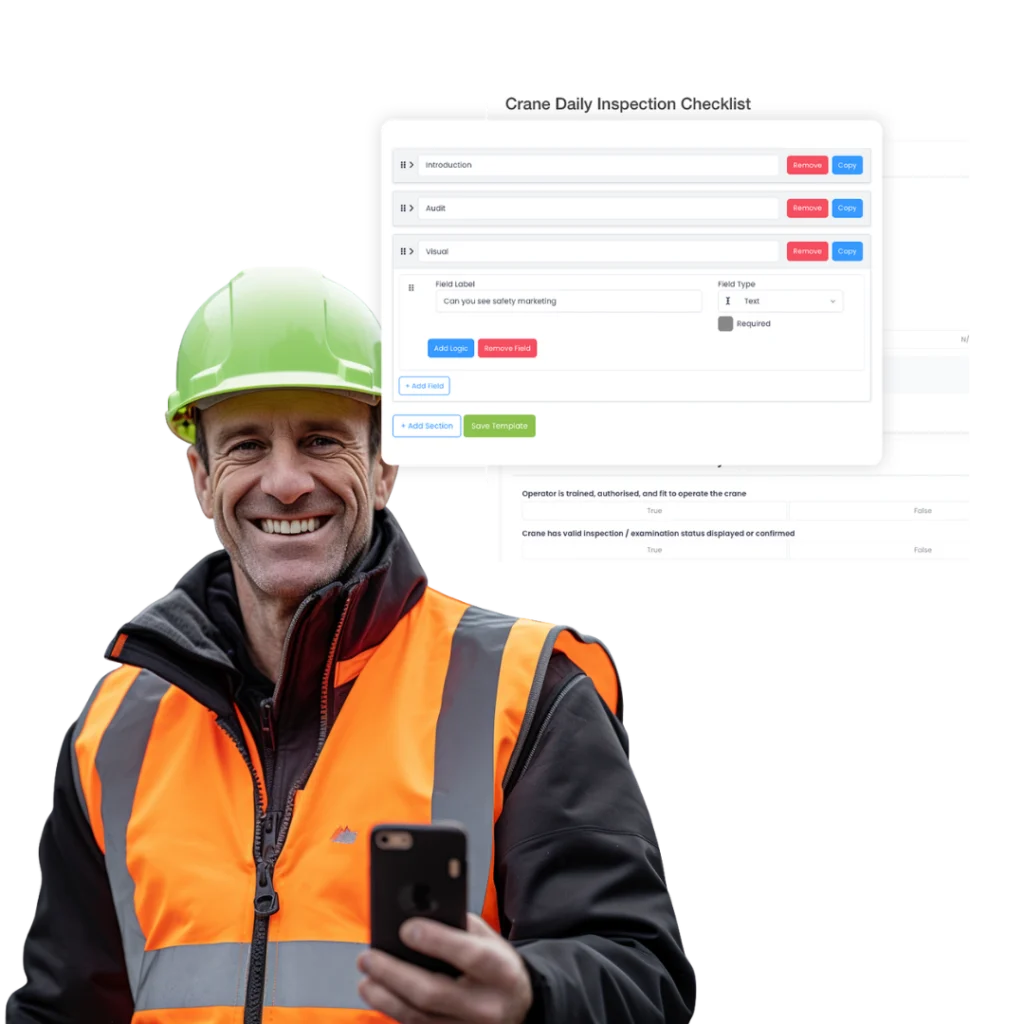
Completed on the factory floor
Capture findings while you are standing in front of the problem
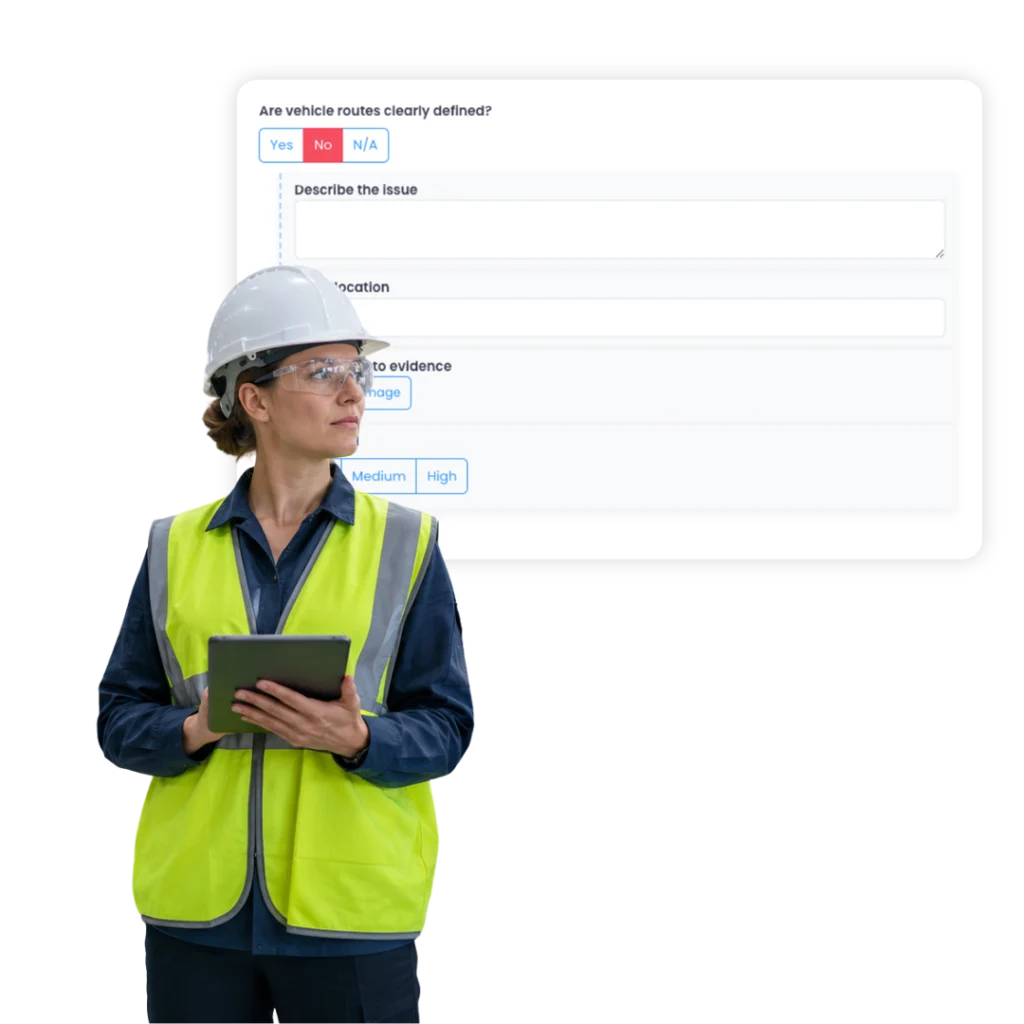
Auditors, supervisors and authorised employees can complete inspections on a phone or tablet, add photographs and notes against individual questions, and raise corrective actions before leaving the area.
No more returning to a desk to rewrite notes, transfer photographs or build a separate action list.
- Complete audits on mobile, even offline
- Add photos, videos and annotations
- Record notes and supporting evidence
- Raise actions directly from failed checks
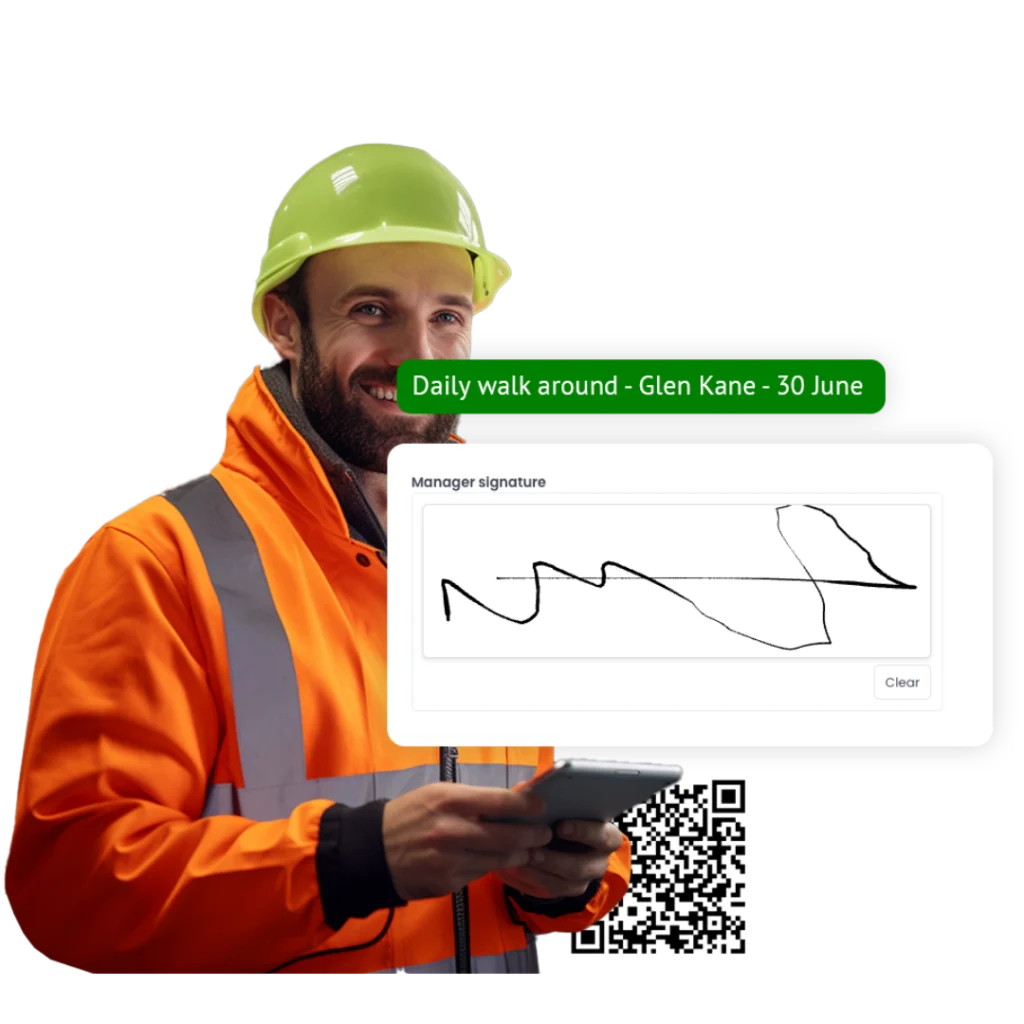
Relevant manufacturing inspections
Ask the right questions for the machine, area or activity being inspected
Generic checklists can produce generic answers. Evalu-8 EHS lets you build inspections around the exact condition, control, or standard that needs to be examined. Conditional logic can reveal additional questions when a check fails, while mandatory fields and evidence prompts help prevent important details from being skipped.
Routine inspections remain focused, while higher-risk findings trigger the additional information your team needs.
- Trigger follow-up questions for defects
- Require photos, notes or evidence
- Add guidance and risk-based scoring
- Lock core questions while allowing local additions
One standard across every site
Compare manufacturing performance without ignoring local risks
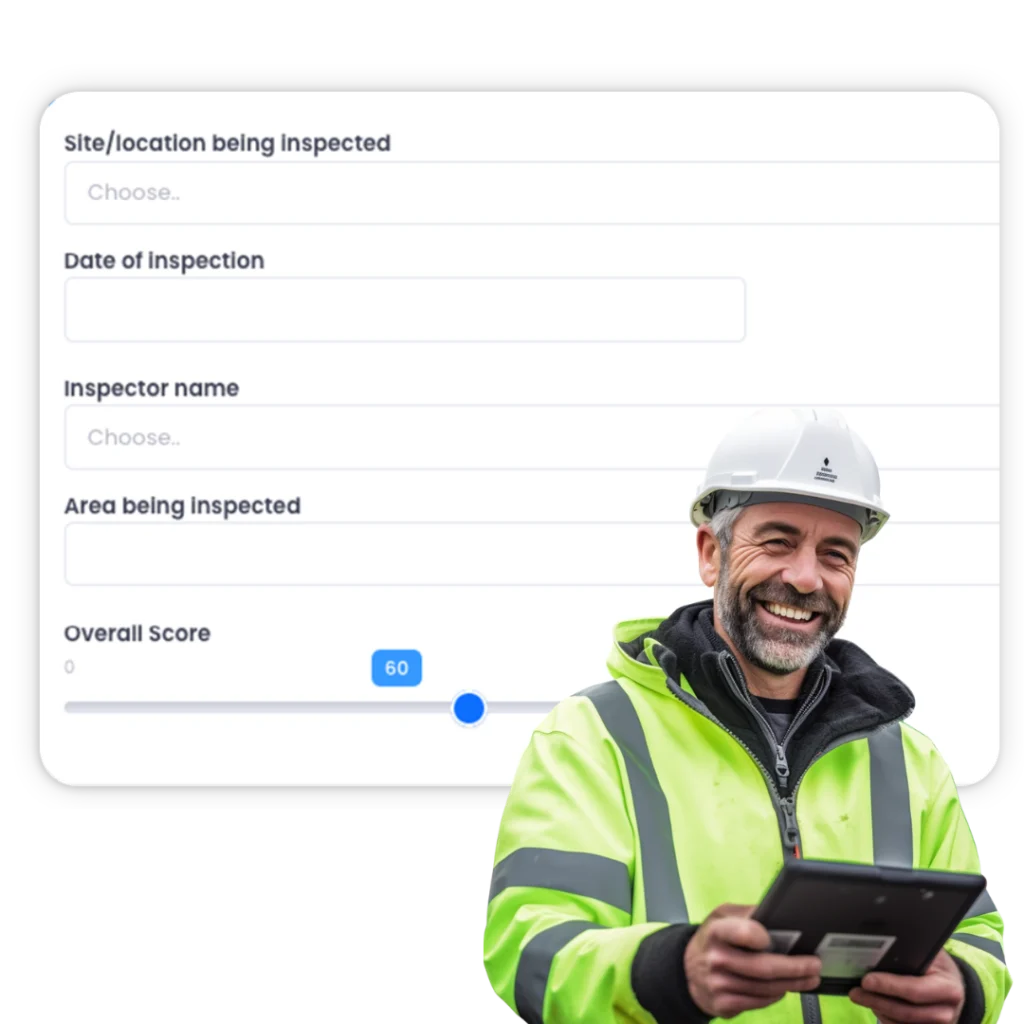
Different factories may use different machinery, layouts, substances, and production processes. Evalu-8 EHS allows health and safety teams to establish core audit requirements while giving individual sites room to include relevant local questions.
- Control core audit templates centrally
- Add site and machine-specific questions
- Apply consistent scoring across locations
- Compare findings, overdue inspections and open actions
Manufacturing areas
FOOD & DRINK
Manage hygiene-related safety inspections, machinery checks, cleaning and washdown audits, COSHH controls, manual handling, slips, cold-storage areas and production-line housekeeping.
PLASTICS & CHEMICALS
Audit substance storage, transfer arrangements, ventilation, PPE, emergency controls, production equipment, waste handling and exposure-control measures.
ENGINEERING & MERAL
Audit substance storage, transfer arrangements, ventilation, PPE, emergency controls, production equipment, waste handling and exposure-control measures.
PACKAGING AND PRINT
Inspect presses, cutting equipment, conveyors, guarding, inks, solvents, noise controls, repetitive handling and shift-based production areas.
WAREHOUSE AND DISPATCH
Manage racking inspections, forklift checks, loading-bay audits, pedestrian segregation, vehicle routes, storage standards and manual-handling controls.
MAINTENANCE TEAMS
Complete checks for planned maintenance, reactive repairs, lock-off arrangements, stored energy, work at height, contractor activity and non-routine access.
Open the right inspection at the right machine or location
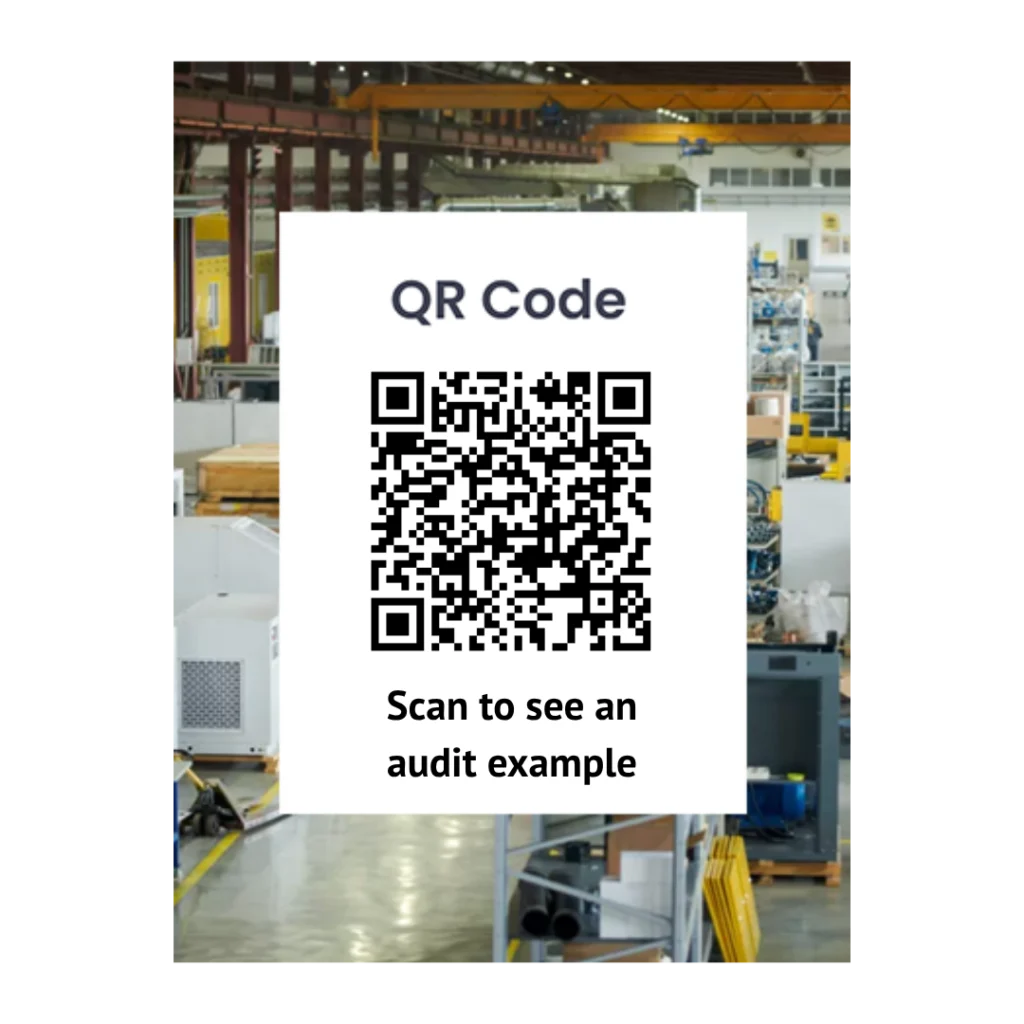
Print QR codes for machines, assets, production zones and inspection points. Employees can scan the code using a phone or tablet to open the current approved checklist for that location.
- QR access for machinery and production areas
- Current approved checklist opens each time
- Less risk of using an old form
- Faster access for operators and supervisors
- Clearer connection between the inspection and the asset
A clear process built around manufacturing audits
From scheduling the inspection to verifying the corrective action, every stage remains connected.
Schedule
Create recurring audit programmes by site, department, production area, machine, risk level or required frequency. Assign the right person and use reminders to keep checks on schedule.
Inspect
Complete the inspection on a phone or tablet. Follow the approved checklist, record findings, add photographs and apply consistent scoring while standing in front of the work.
Act
Turn failed checks into corrective actions immediately. Assign an owner, set a due date and make the expected outcome clear.
Verify
Review the completion evidence, confirm that the required improvement has been made and retain the full history from the original finding to verified closure.