Still stitching rotas together in Excel, email and separate systems?
There’s a faster way.
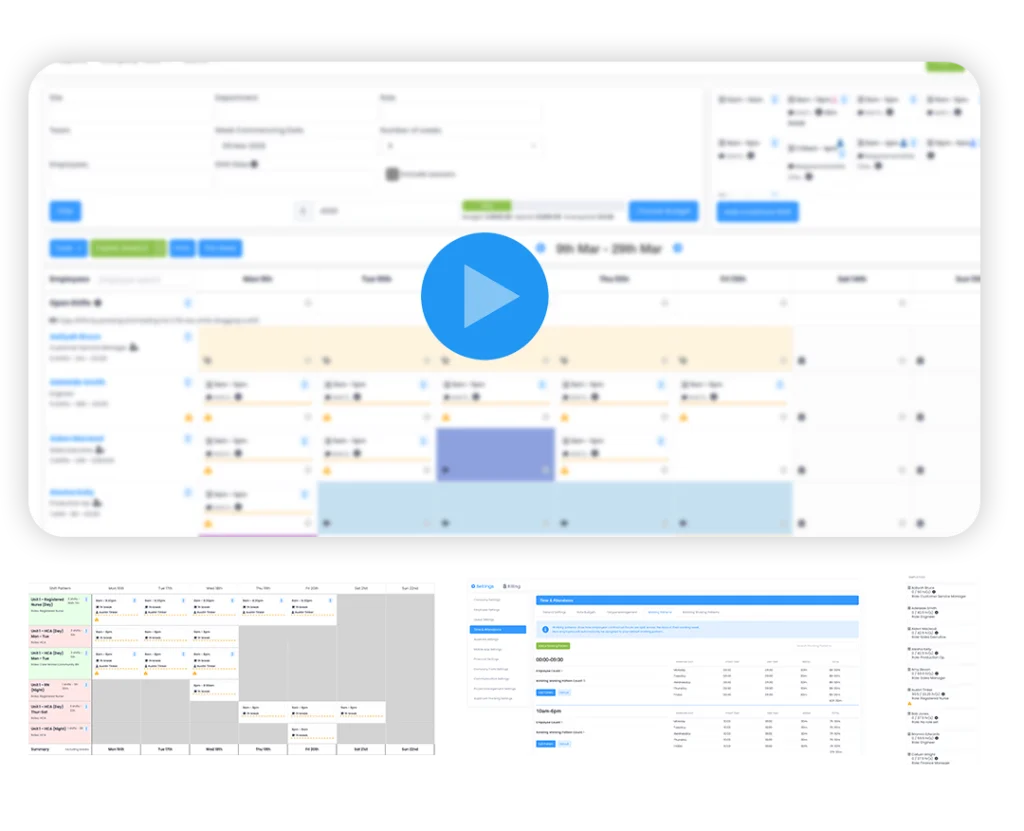
See a quick self-guided walkthrough of how Evalu-8 HR helps teams build rotas faster, spot gaps sooner, and keep hours, overtime and leave aligned.
Why teams make the switch to Evalu-8 ROTA
Stop rebuilding rotas manually
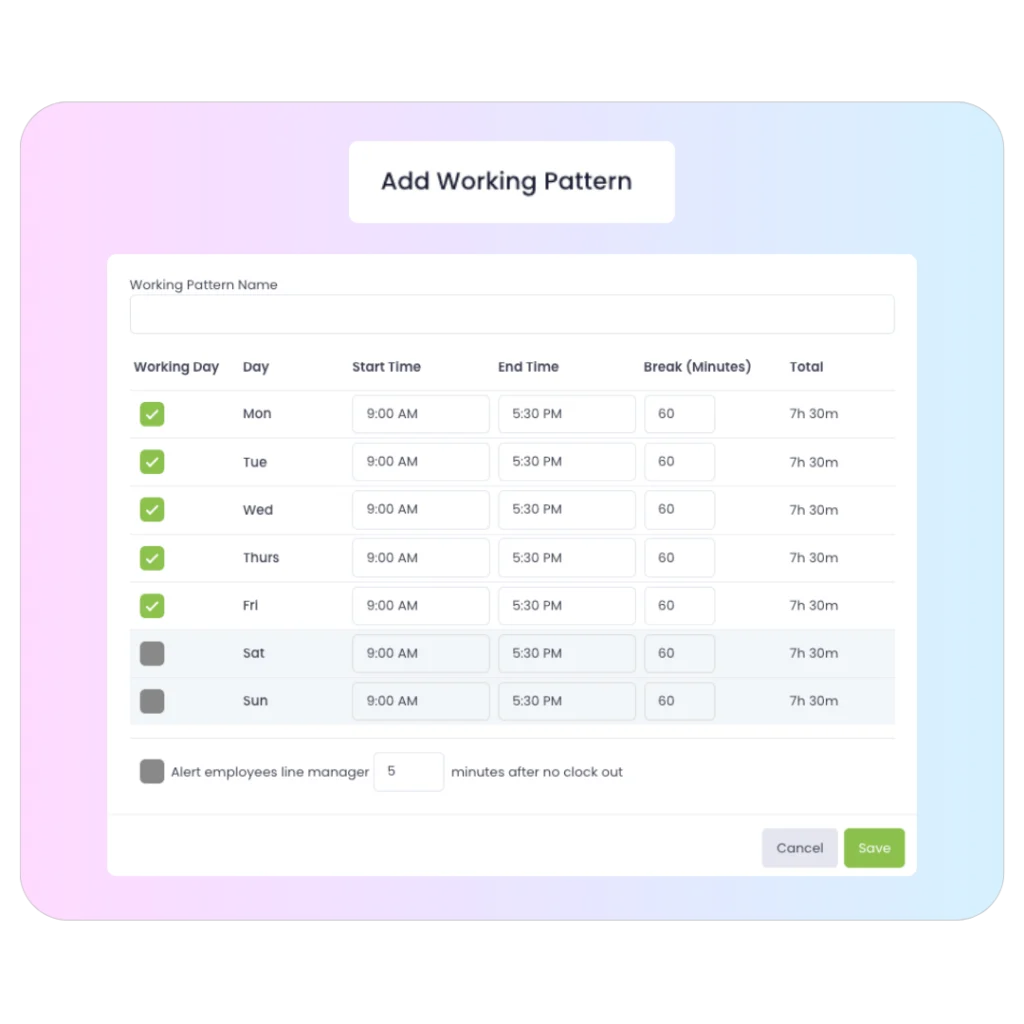
Build schedules faster without juggling spreadsheets, emails and last-minute edits.
See coverage and clashes clearly
Spot who is off, where gaps are, and whether shifts are fully covered.
Keep hours and overtime under control
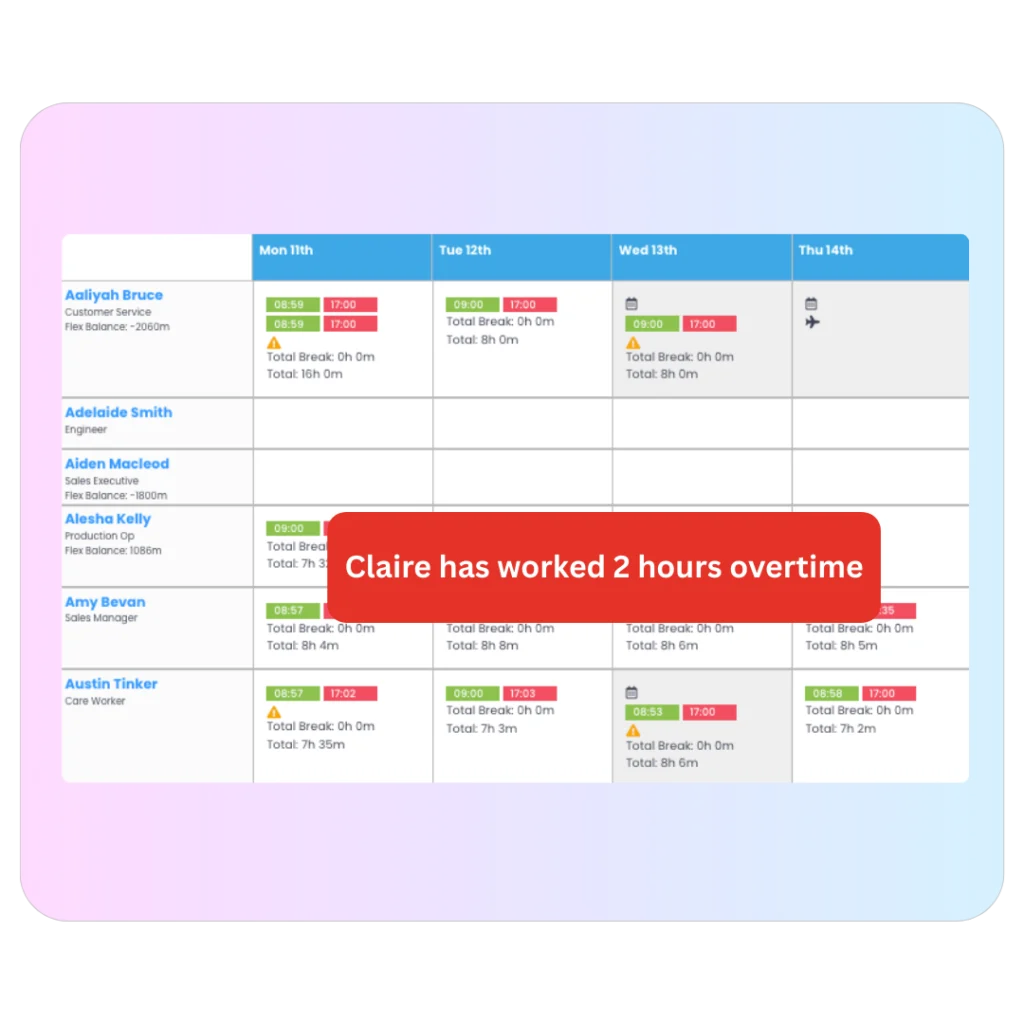
Compare worked vs contracted hours and reduce nasty surprises.
Rotas used to take hours and endless spreadsheets. With Evalu-8 HR, it’s done in minutes and everyone knows where they stand.”
BUILT FOR REAL WORLD WORK
HEALTHCARE
Learn more24/7 coverage for care homes & clinics. Manage complex shift patterns & ensure compliance.
HOSPITALITY
Learn moreHandling seasonal peaks and split shifts. Instant notification for front-of-house staff.
MANUFACTURING
Learn moreManage factory lines and 24-hour rotations with skills-based assignments.
RETAIL
Learn moreOptimise store coverage. Keep part-time staff aligned with peak trading hours.
FACILITIES
Learn moreManage mobile security and cleaning teams across multiple client sites seamlessly.
What’s in the self-guided tour?
Here’s what you’ll see
A short interactive walkthrough of the rota scheduling module. No setup, no login required.
- Building ROTAS and shift patterns
- Seeing leave and availability
- Tracking hours and overtime
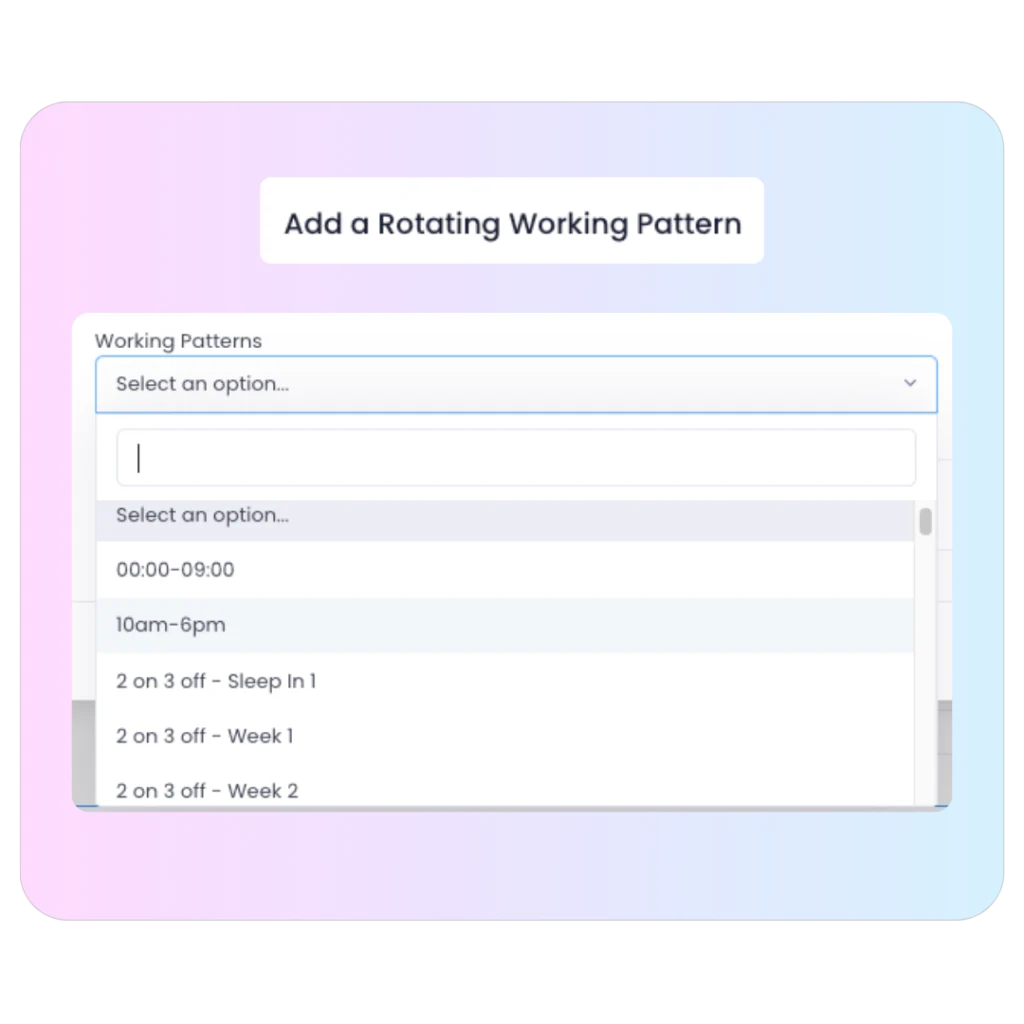
- Managing rotating schedules
- Knowing when coverage is coetme
KNOW WHO’S OFF BEFORE IT BECOMES A PROBLEM.
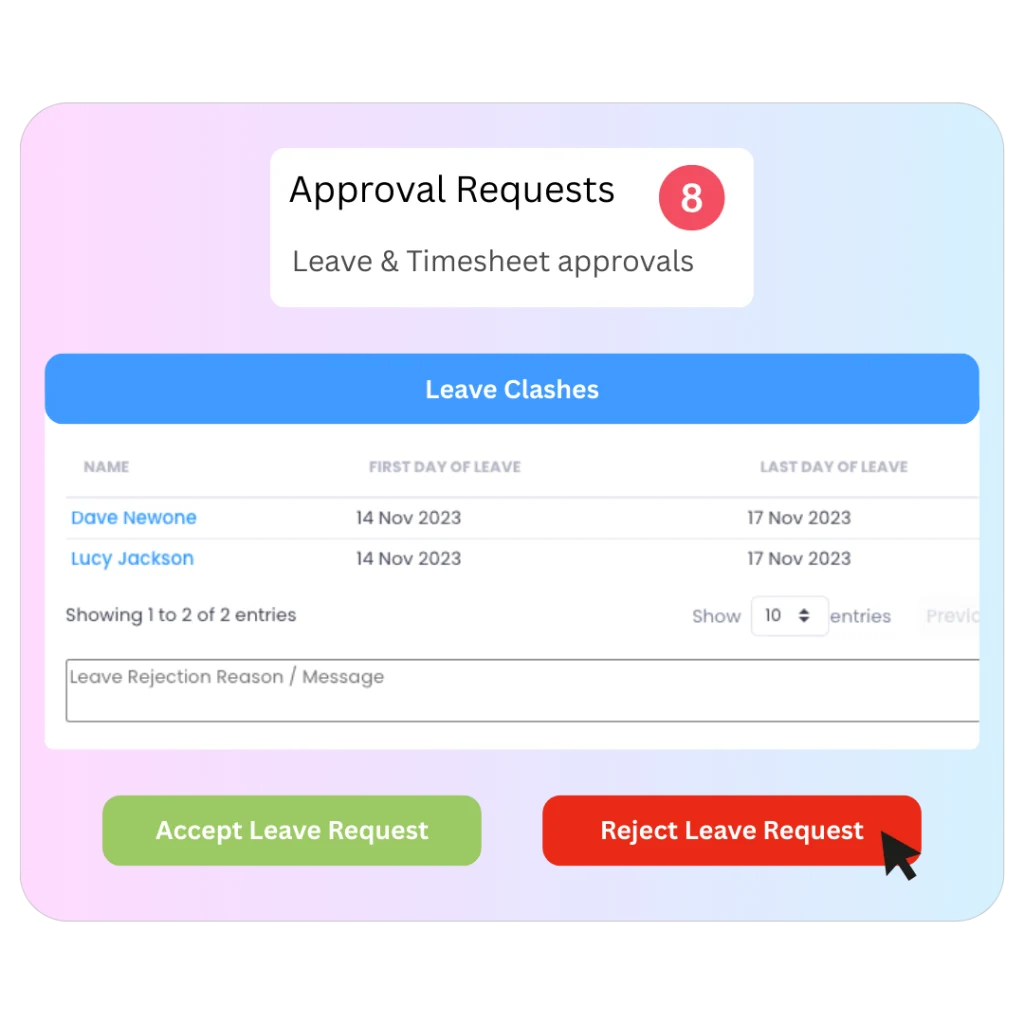
Leave requests flow through approvals, with the system highlighting people booked off on the same dates to help spot clashes. Set restrictions for departments, roles or sites.
- Approval requests show key leave info and entitlement impact
- System highlights overlapping leave to flag potential clashes
- Set restrictions by role or site with manager overrides
GIVE MANAGERS ACCESS
WITHOUT GIVING AWAY THE KEYS.
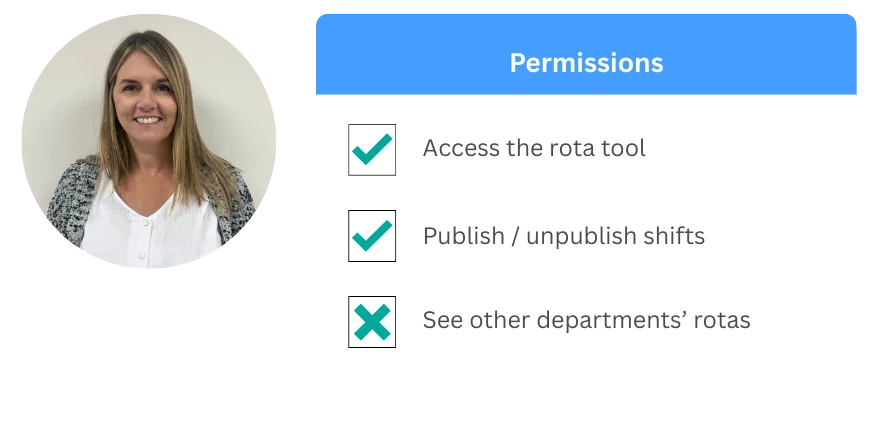
Use central permissions to control exactly what people can see and do.
Restrict views to direct reports and toggle tab visibility.
CENTRAL PERMISSIONS AREA
CUSTOM USER GROUPS
VISIBLE VS READ-ONLY TABS